Howdy Dispatch
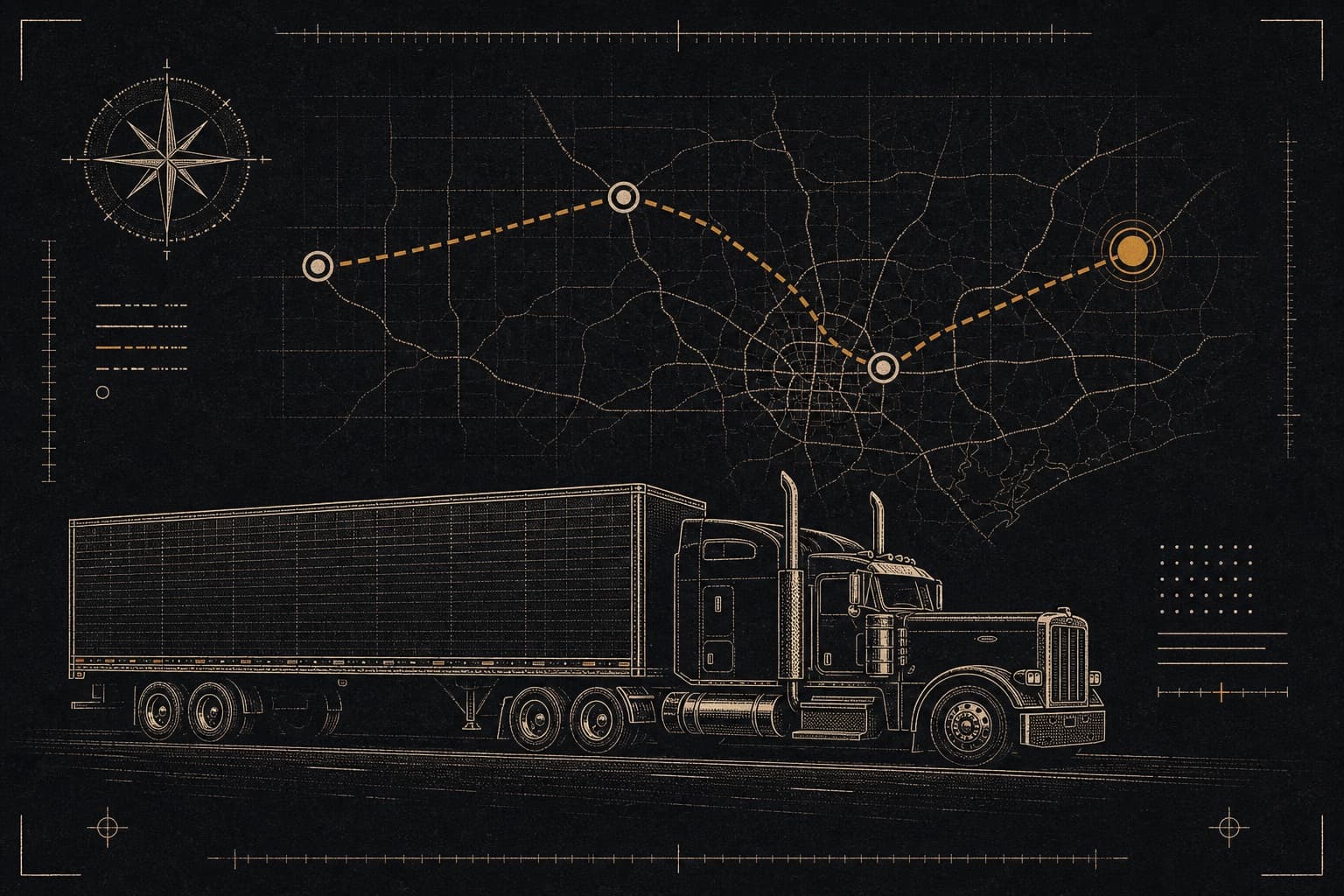
Live SaaS with a dispatcher web HQ, a driver iOS app on the App Store, photo proof of pickup and delivery, AI rate-confirmation intake, and Stripe-billed subscriptions.
Role
Studio · build + ship
Status
Live
Year
2025-2026
Surfaces
Web + iOS
Live
In production
The problem
Small trucking companies run dispatch on spreadsheets, group texts, and phone calls. Bills of lading get lost, nobody can see where a truck is, and every broker rate confirmation gets retyped by hand. Enterprise TMS platforms solve that at a price and a setup burden a small fleet will not carry. Howdy Dispatch is the dispatch platform for small fleets, built on both sides: a web HQ where dispatchers create and assign loads, and an iOS app where drivers work the load with photos, GPS, and one-tap status all the way to delivery. It is multi-tenant from day one, so every fleet gets its own data isolation, its own user limits, and its own billing.
What we built
- Dispatcher HQ: loads from scratch or from a broker rate-conf PDF, live map, per-load documents
- Driver iOS app on the App Store, with push, background GPS, and photo proof of pickup and delivery
- Shift clock that gates GPS, HOS self-report (not a certified ELD), and detention timers
- Mid-load incident reporting with photo evidence, pushed to every dispatcher
- Lumper receipt capture with per-load totals by who paid
- Customer address book with billing and shipping defaults and Google Places autocomplete
- Stripe subscription tiers ($149-$1,990/mo) with truck, driver, and dispatcher limits
- Platform admin dashboard and a full audit trail on every job, driver, and photo
How it is built
The backend is FastAPI with async SQLAlchemy and Postgres on Cloud Run, and the HQ dashboard is Next.js on Vercel. The driver app is the same web codebase wrapped in Capacitor and pointed at the live dashboard, with native plugins for the camera, background location, push notifications, and sign-in, so drivers get a real iOS app that still updates with every web deploy.
Every tenant-scoped row carries a company ID, every read and write filters on it, and the platform admin router is the only code allowed to cross that line. Uploads skip the API entirely: driver photos and broker PDFs go straight to Cloud Storage on short-lived signed URLs, the backend records the document only once the upload is confirmed, and photos are compressed on the phone first because drivers upload over LTE from a loading dock.
One AI feature, on purpose
The AI we shipped is narrow. A dispatcher drops in a broker rate confirmation PDF, Gemini on Vertex AI extracts the customer, origin, destination, mileage, rate, pickup and delivery times, and broker contact, and the backend matches the customer, driver, and truck against the fleet’s own records and validates both addresses. The dispatcher reviews the pre-filled load and confirms it, which turns five to ten minutes of typing into about twenty seconds of review.
The confirm step sends only the dispatcher’s edits. The server merges them against the extraction it stored, so the browser is never trusted for AI values, and the audit log keeps the difference between what the AI read and what was saved. It does not make routing or load-acceptance decisions; the dispatcher and driver stay the experts. The rest of the product, from the live map to lumper receipts, is on the Howdy Dispatch features page.
What was hard
We run no queue. The rate confirmation parse is a background task inside the Cloud Run container, which meant turning off CPU throttling so the task can finish after the response returns. The first version raced: the worker’s read beat the request’s commit and the job sat in parsing, so the parse record is now committed in its own session before the worker is scheduled.
Background GPS had to survive a locked screen without pinging dispatch from a driver who is off the clock, so tracking is gated on a shift clock with start, break, resume, and end. Location pings that fail in a dead zone queue on the phone, and status changes taken with no signal wait in an offline outbox that drains on reconnect. Raw pings are deleted after 30 days while per-job GPS totals stay on the load.
Keeping the marketing honest took a rule, not a reminder. The roadmap’s Live section is the claim gate, so a feature is not advertised until it is listed there. Pricing stays in fixed truck bundles, and we wrote up how dispatch software pricing works for a small fleet deciding what to pay.
Numbers that matter
Status
Live
App Store + web
Plans
$149-$1,990/mo
1-10+ trucks
Surfaces
HQ + Driver iOS
cross-platform
Tenant model
Multi-tenant
isolated per fleet
Stack
- Frontend
- Next.js 16React 19TailwindSWR
- Backend
- FastAPIPython 3.12Alembic migrations
- AI / ML
- Vertex AI Gemini (rate-conf PDF parsing)
- Data
- PostgreSQL (multi-tenant)Cloud Storage
- Infra
- Cloud RunCapacitor iOSFirebase Auth + FCMStripe BillingMapbox + Google Places
What we learned
Build both sides or the board goes stale. A dispatcher screen without a driver app still depends on a phone call to find out whether the load was picked up.
One AI feature that removes real typing beats a page of AI promises. Everything else on the AI list stays labeled as coming later until it ships.
No queue was the right call at this size, but it came with rules: always-on CPU, a separate session for the parse record, and a warm instance so driver location pings do not wait on a cold start.
Pricing maps to truck count in fixed bundles, because truck count is the number a small carrier already knows about its own business.
Have something that looks like this?
Tell us what is broken. We’ll tell you what the first week looks like.
Next case study →
RunLink